Social media for online shops
Product close-ups, packing orders, behind the scenes and honest reviews.
See my postsFree to try. No credit card.
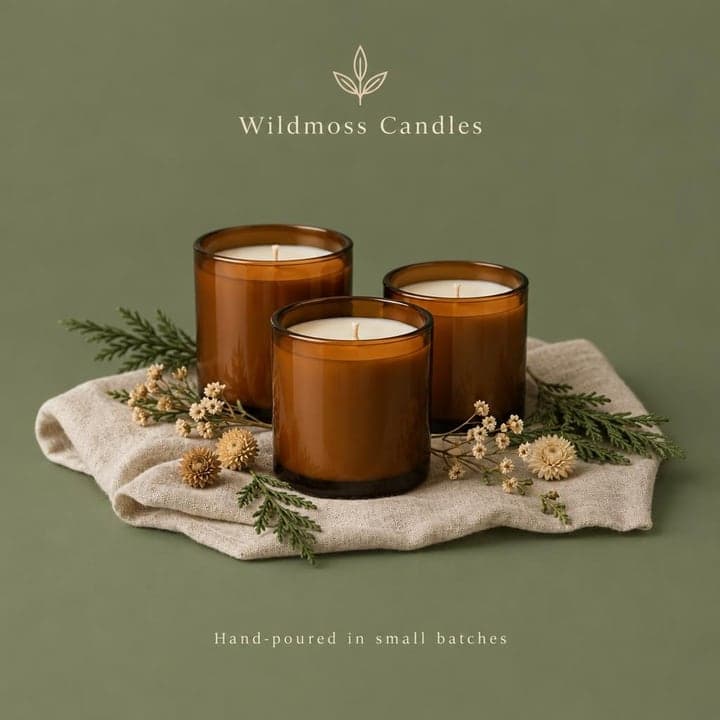
 Wildmoss CandlesJust now · Example
Cedar, fig and smoked vanilla. Our new fall scents are live in the shop. Free shipping over $50 🕯️
 Like Comment Share
 copperhollowcandlecoExample
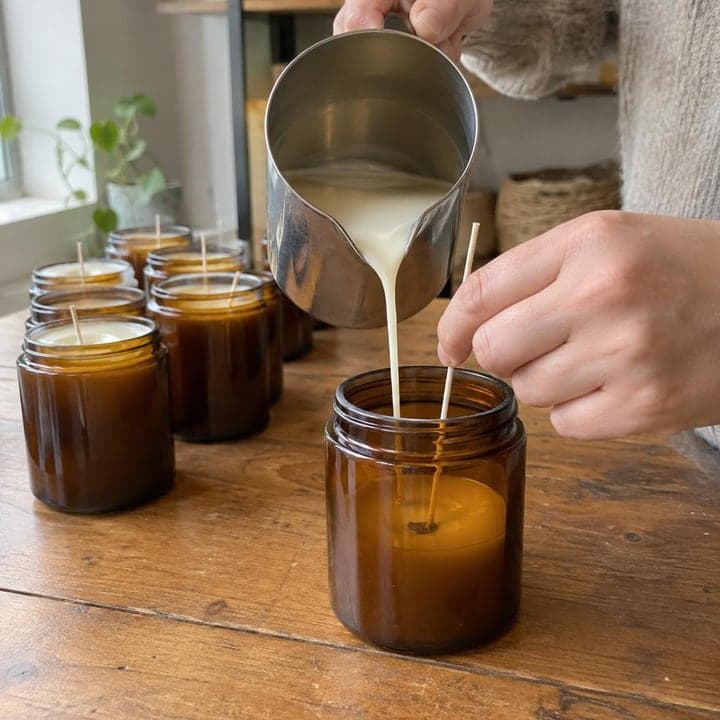
copperhollowcandleco Every candle is poured in small batches and cures for two weeks before it ships. That wait is why the scent fills the room. 🕯️
Made-up businesses. Posts written and designed by Bold Beluga.

Posts that work for online shops
- Pack an order on camera
- Show the product in use
- Answer one common question
- Share a customer photo
- How it's made, step by step
- Restock or new drop heads-up
See posts for your business
- Reads your website and learns how you talk
- Writes and designs 50 posts a month for Instagram and Facebook
- You approve each post, or let autopilot publish them
Paste your website. Free to try, no credit card needed.
The guide for online shopsIdeas, rhythm and mistakes to skip · 3 min read
An online shop has no storefront, no foot traffic and no one to chat with at the counter. Social media is the closest thing you have to a shop window. It's where people see what you sell, get a feel for who's behind it and decide whether to trust you with their card number.
You don't need to go viral. You need a steady feed that shows your products clearly, answers the questions people have before buying, and reminds past customers you exist. Done consistently, that brings people back to your site and turns browsers into repeat buyers.
People buy from shops they feel they know
Shoppers can't touch your product, so they look for proof: real photos, real people, a business that seems active and cares. A feed full of recent posts, packing shots and clear product details answers the quiet question of whether you're legit. Posts also give someone who saw you once a reason to come back when they're ready to buy, or when a birthday comes up.
Six ideas that work for online shops
1. Pack an order on camera
Film your hands wrapping a candle in tissue, adding a thank-you card and sealing the box. People love seeing the care that goes into their order.
2. Show the product in use
Instead of another white-background shot, show the linen apron on someone mid-recipe or the dog collar on an actual dog at the park.
3. Answer one common question
Take the question you get most by email, like whether a ring runs small, and answer it in one post with a photo. Save it to a highlight so new visitors find it.
4. Share a customer photo
Ask permission, then repost a buyer's photo of your print hanging in their hallway. It shows the product in a real home better than you can.
5. How it's made, step by step
Post a short series showing a mug going from raw clay to glaze to kiln. Process posts explain your price without you having to defend it.
6. Restock or new drop heads-up
Tell followers a day ahead that the sold-out tote is coming back Thursday at noon. It rewards people who follow you and builds a little urgency.
A rhythm you can keep
Aim for three or four posts a week and short daily stories when you can. Batch your photos: set aside one afternoon every week or two to shoot products, packing and your workspace, then schedule posts ahead. Mix it roughly like this: one product post, one behind-the-scenes or process post, one helpful post that answers a question or shows how to use something, and one post that features a customer or a review. Use stories for the quick stuff, like today's packed orders, a new color sample or a poll on what to make next. Plan around gift seasons and your own launches, but don't let your feed go quiet between them.
Mistakes to skip
Every post is a sales pitch
If each post says buy now, people tune out or unfollow. Mix in process, tips and customer photos so the sales posts land.
Photos that hide the details
Dark, blurry or overly filtered shots make people guess about color, size and texture. Use daylight, show scale and post close-ups of what buyers ask about.
Making it hard to buy
A follower likes the item, then can't find it on your site. Keep your shop link current, name the product clearly and tag it where you can.