
Social media for hair salons
Color transformations, stylist intros, care tips and open chair alerts.
See my postsFree to try. No credit card.
 studiofernsalonExample

studiofernsalon Rich copper, warm caramel, deep espresso. Book your fall color appointment this week, a few spots left ✨
 Copper Comb SalonJust now · Example
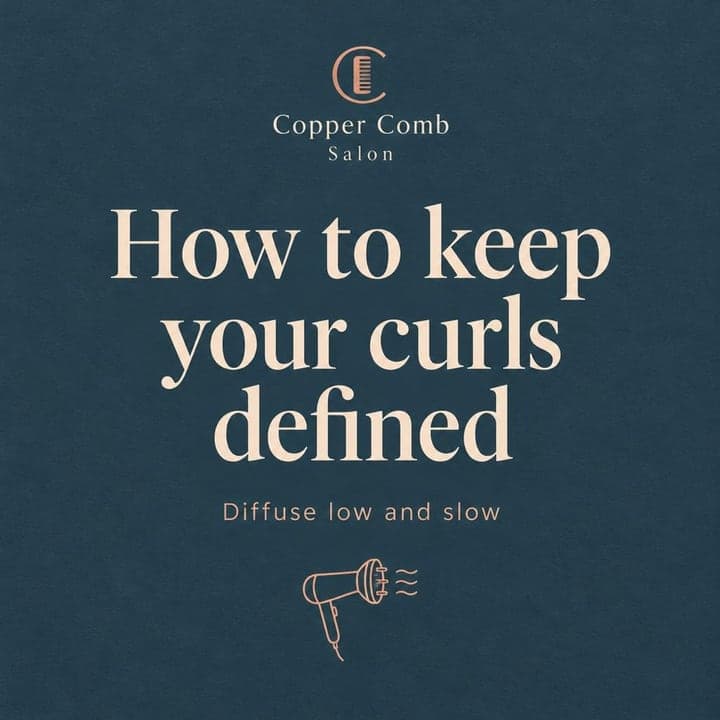
Scrunch in your styler while hair is soaking wet, then diffuse on low and leave it alone. Save this for your next wash day 🌀
 Like Comment Share
Made-up businesses. Posts written and designed by Bold Beluga.

Posts that work for hair salons
- Before and after transformations
- Meet the stylist posts
- Last-minute openings
- At-home care tips
- What the service involves
- Behind the chair process
See posts for your business
- Reads your website and learns how you talk
- Writes and designs 50 posts a month for Instagram and Facebook
- You approve each post, or let autopilot publish them
Paste your website. Free to try, no credit card needed.
The guide for hair salonsIdeas, rhythm and mistakes to skip · 3 min read
People pick a new salon with their eyes. Before they call, they scroll your feed to see if your work looks like the hair they want. If your last post is from months ago, or it's all stock photos, they move on to the next salon down the street.
Social media is also how you keep the clients you already have. A regular in your feed remembers to rebook, sees the new stylist you hired, and grabs that Thursday opening you posted. You don't need to go viral. You need a steady feed of real work that shows people what they'll walk out with.
Clients book the hair they can see
Choosing a stylist feels risky, because a bad cut or the wrong color lives on someone's head for weeks. So people look for proof: real clients, real lighting, hair close to their own texture and length. Every finished look you post lowers that risk and gives someone a reason to book you instead of guessing. Posts that show your stylists by name also help new clients feel they already know who'll be behind the chair.
Six ideas that work for hair salons
1. Before and after transformations
Shoot the same angle and the same light before and after. Brassy box dye to soft dimensional blonde, or a grown-out shag brought back into shape, is what stops people scrolling.
2. Meet the stylist posts
Introduce one stylist at a time with a photo of their hands at work, what they love doing, and which days they're in. Someone looking for a curly cut specialist will book that person directly.
3. Last-minute openings
When a cancellation leaves a 2 p.m. slot open, post it as a story with the service it fits, like a trim or a gloss. Regulars watch for these and fill them fast.
4. At-home care tips
Show how to keep a fresh color from fading, or how to diffuse curls without frizz. People save these and come back to them, and it shows you care about the hair after they leave.
5. What the service involves
Explain what a balayage appointment looks like from start to finish, how long it takes, and why there's a consultation first. It answers the questions that stop nervous first-timers from booking.
6. Behind the chair process
A short clip of foils going in, toner being mixed, or a precision bob being cut shows the skill behind the price. It helps clients understand why a color correction costs what it does.
A rhythm you can keep
Aim for three feed posts a week and a few stories on busy days. Snap photos of finished looks as you go, since you're already taking them for your client's approval, and post the best ones later. Make most of your posts real client results, then mix in one stylist intro or care tip a week. Use stories for the day-to-day: open slots, a new product on the shelf, the salon getting set up in the morning. If a week gets too busy, one strong before and after is better than nothing. Just don't let the feed go quiet for a month.
Mistakes to skip
Filters that change the color
Heavy filters and warm lighting make a cool blonde look golden, and clients book expecting what they saw. Shoot in daylight near a window and keep edits light so the color is true.
Posting without the client's okay
Not every client wants their face online. Ask before you post, and if they'd rather not, shoot the back of the head or the hair alone.
No way to book from the post
A great photo with no next step wastes the interest it built. Say how to book in your profile and in captions, and name the stylist and service so people know what to ask for.